All In One Debranding Odoo | Odoo Website Debranding | Odoo Point Of Sale Debranding | Odoo Backend Debranding
by Softhealer Technologies$ 79.00
| Required Apps |
•
base_setup
• web • website • point_of_sale • portal |
| Technical Name |
sh_all_in_one_debranding
|
| License | OPL-1 |
| Also available in version | 18.0 16.0 |
Introduction
This all-in-one debranding module offers a seamless solution for removing default system branding across the backend, website, and point of sale interfaces. It allows you to replace logos, icons, titles, and promotional elements with your own branding, helping deliver a professional, brand-centric user experience. With intuitive configuration and no coding required, this module streamlines your interface customization and reinforces brand consistency across all touchpoints.
Key Features
Replace system logo and favicon with your own brand visuals
Remove default titles, footers, and promotional taglines from the backend, website, and POS
Hide or customize the apps menu visibility for tailored interface control
Fully configurable branding elements such as titles, icons, and interface labels
Apply changes easily through a user-friendly settings panel
Maintain brand identity across multiple user interfaces without developer involvement
Benefits
Enhances professionalism by removing generic system branding
Strengthens corporate branding across backend, website, and point-of-sale environments
Saves time and effort with effortless customization—no technical expertise needed
Improves user perception by providing a consistent branded experience
Enables quick deployment of brand changes across multiple system areas
Compatibility & Technical Details
Required Modules: Base setup, Mail (Discuss), Web interface, Website, Point of Sale, Portal
Technical Name: sh_all_in_one_debranding
License: OPL-1 (proprietary)
Installation Steps:
Place the module into your add-ons directory.
Install through the standard module installation process.
Access the debranding configuration panel to replace logos, titles, icons, and other interface elements across backend, website, and point of sale.

All In One Debranding Odoo

"Odoo Backend Debranding" module helps to enhance your brand. Odoo Debranding plays an important role. This module removes odoo references to customize company details. You can change the organization detail like logo, title, popup, website anytime.It hides odoo and promotes your organization. Hurray!
Hot Features
Features
- You can You can easily set your brand icon in odoo backend.
- You can You can easily set your brand icon in odoo website.
- You can You can easily set your brand icon in odoo POS.
- You can Easy to hide show apps menu.
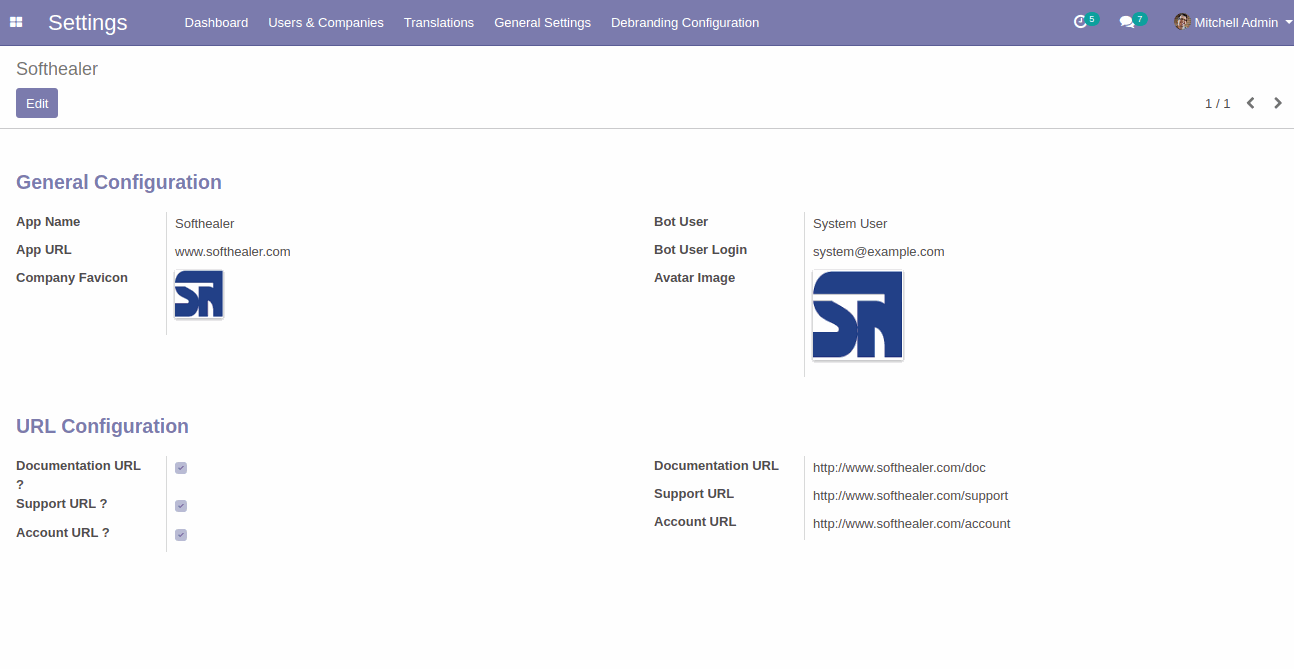
Here you have configuration where you can set favicon, icons, logo, company names.
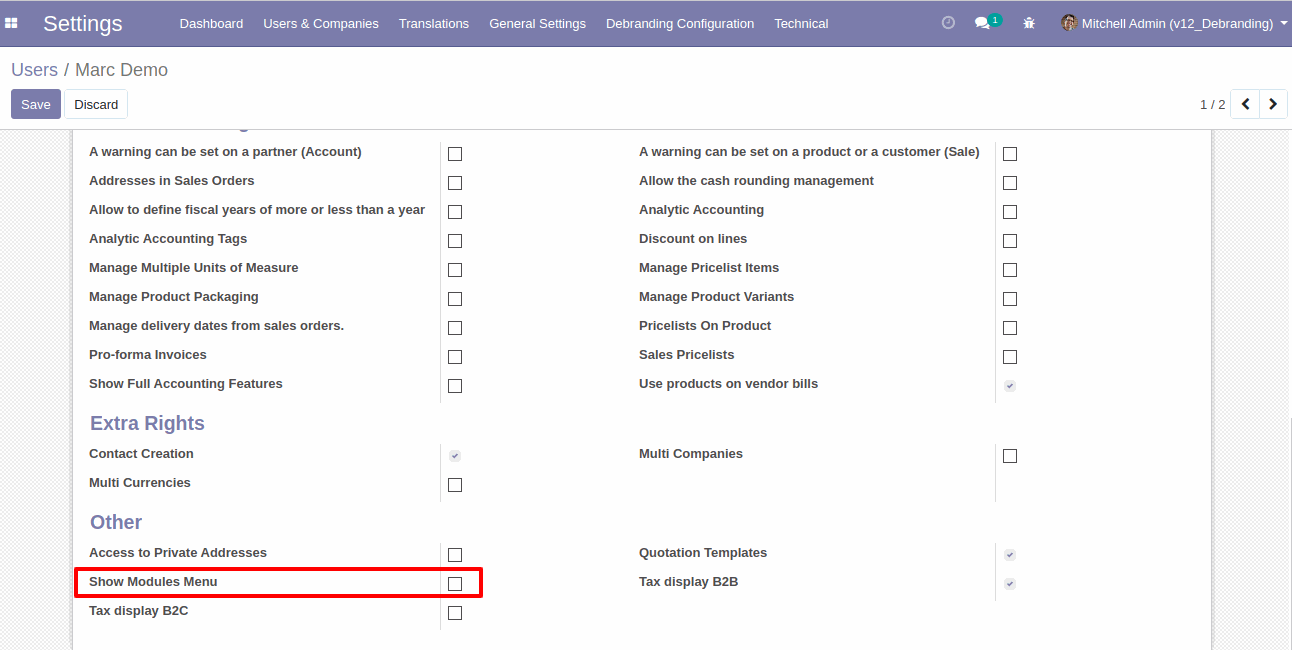
For hide apps menu, just enable the hide apps menu. in user configuration.
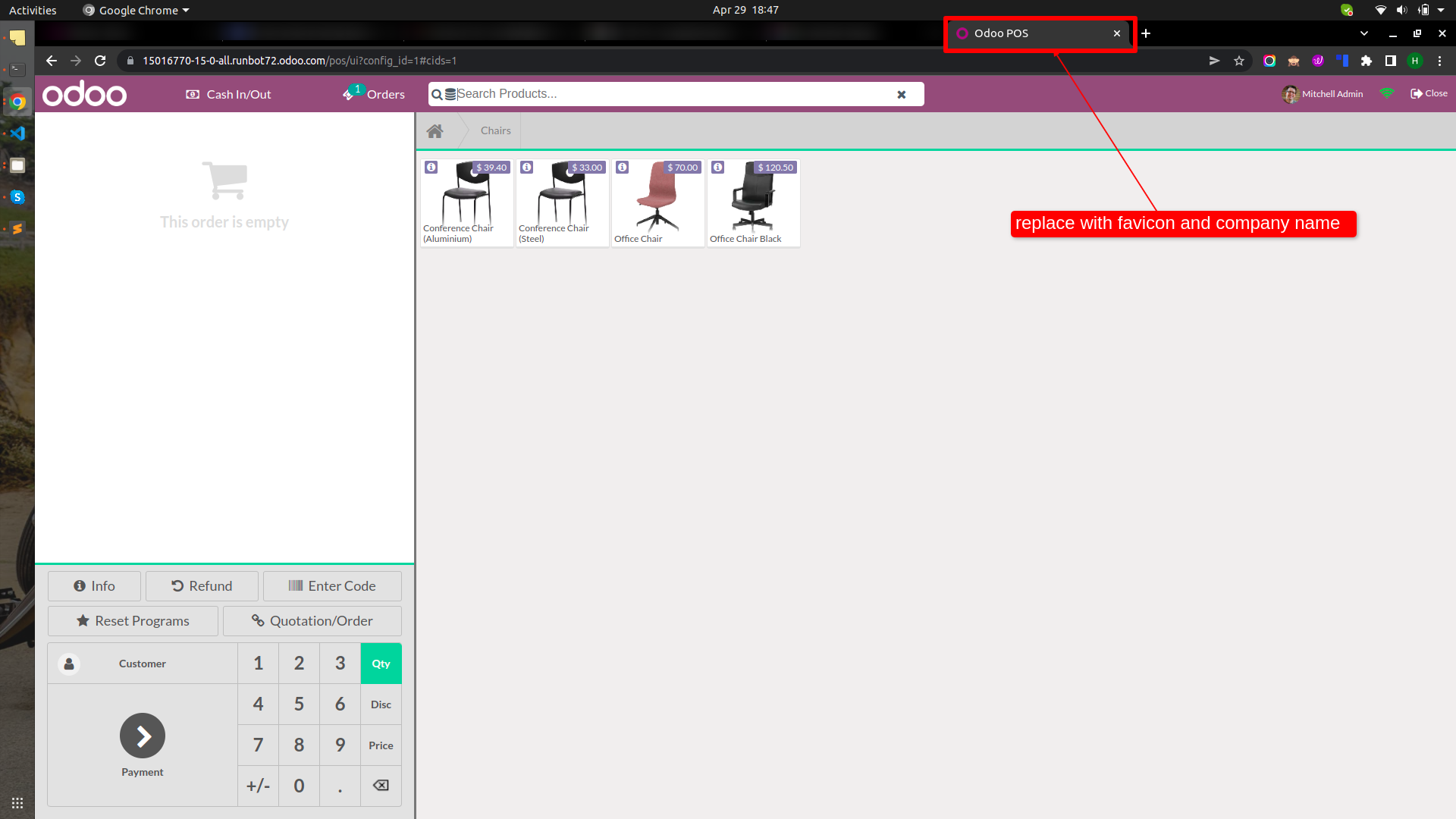
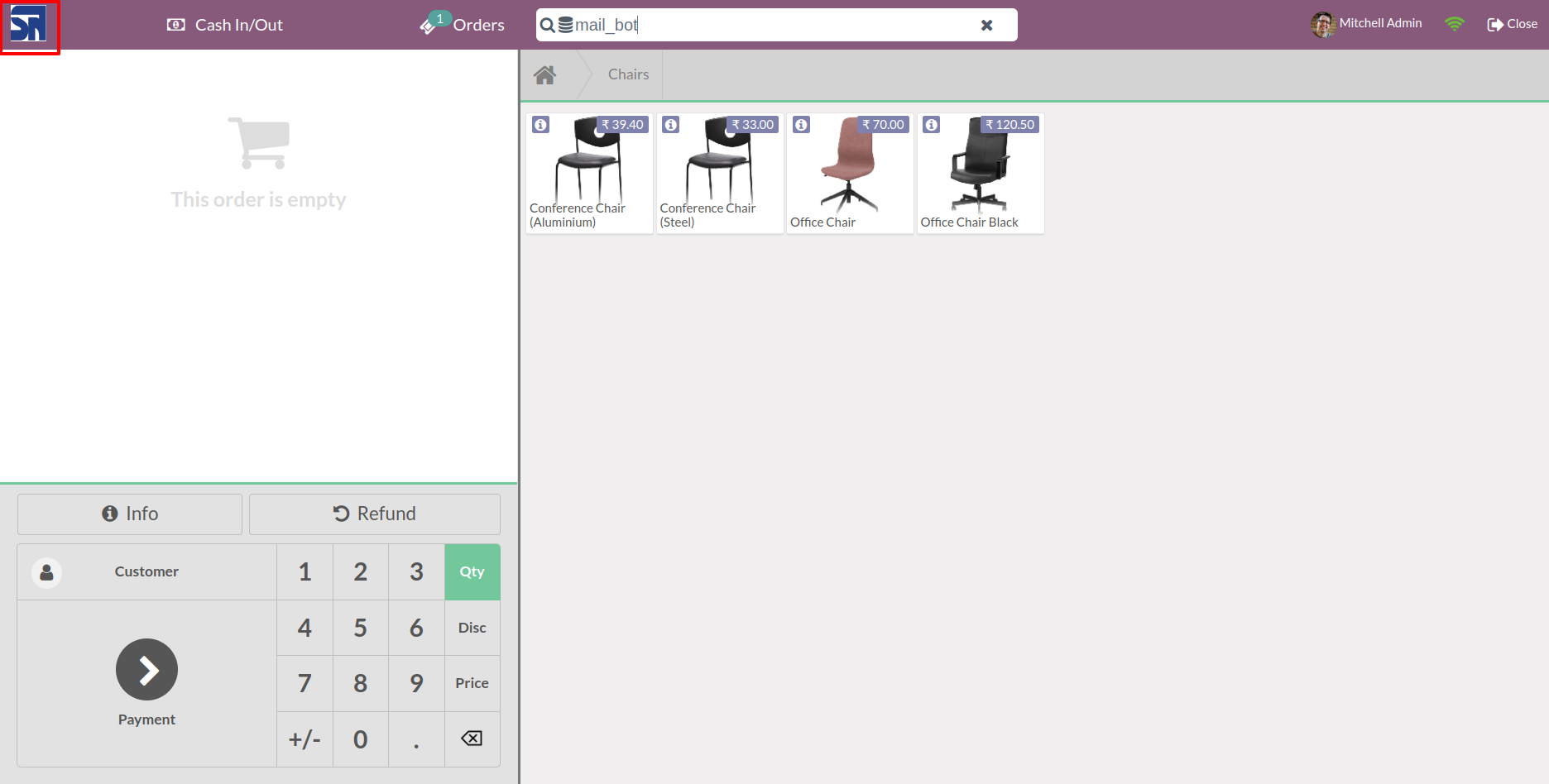
POS Logo
Old
New
Here you have configuration where you can set favicon, icons, logo, company names.
For hide apps menu, just enable the hide apps menu. in user configuration.
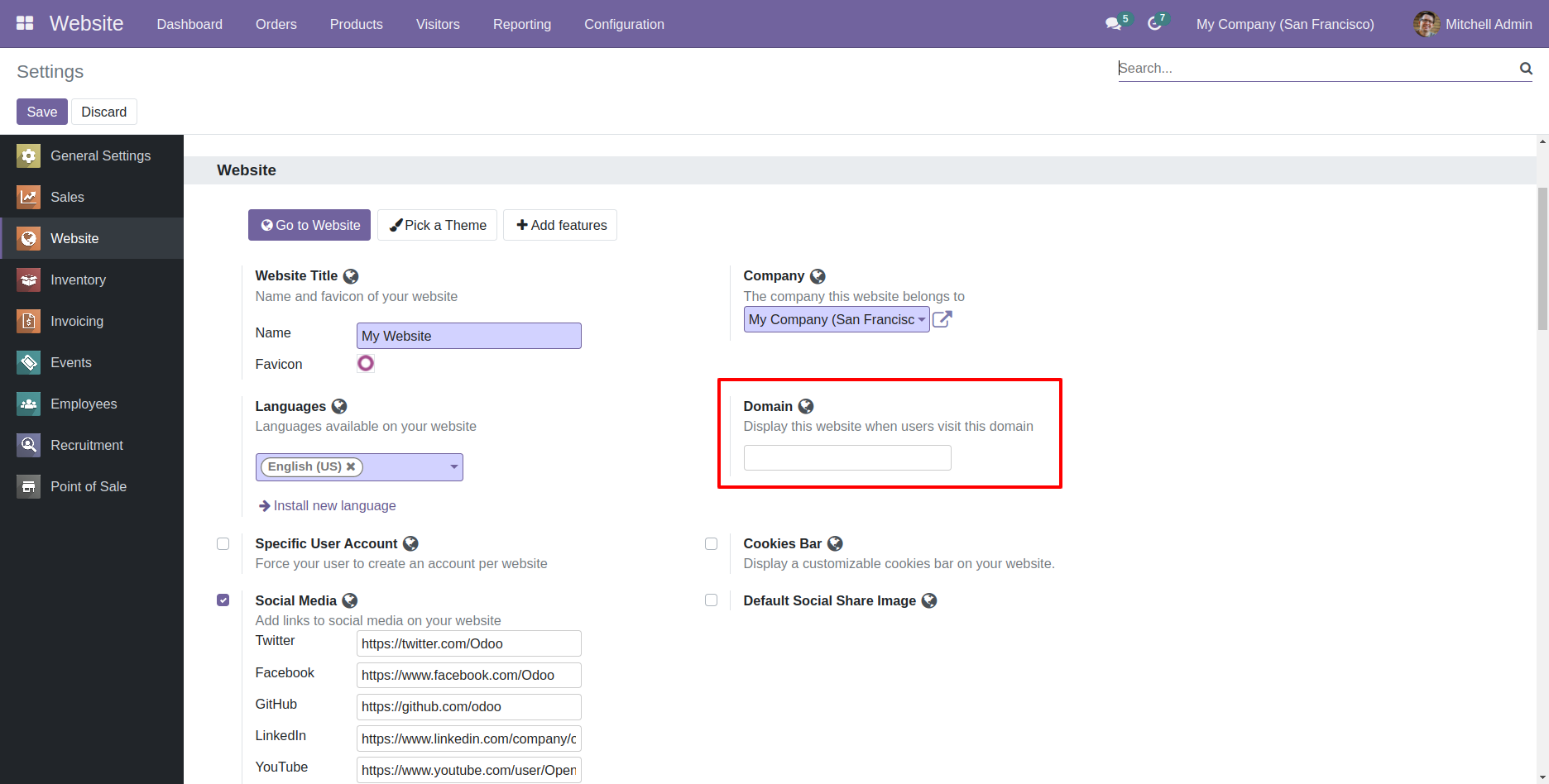
Website
Placeholders
Old
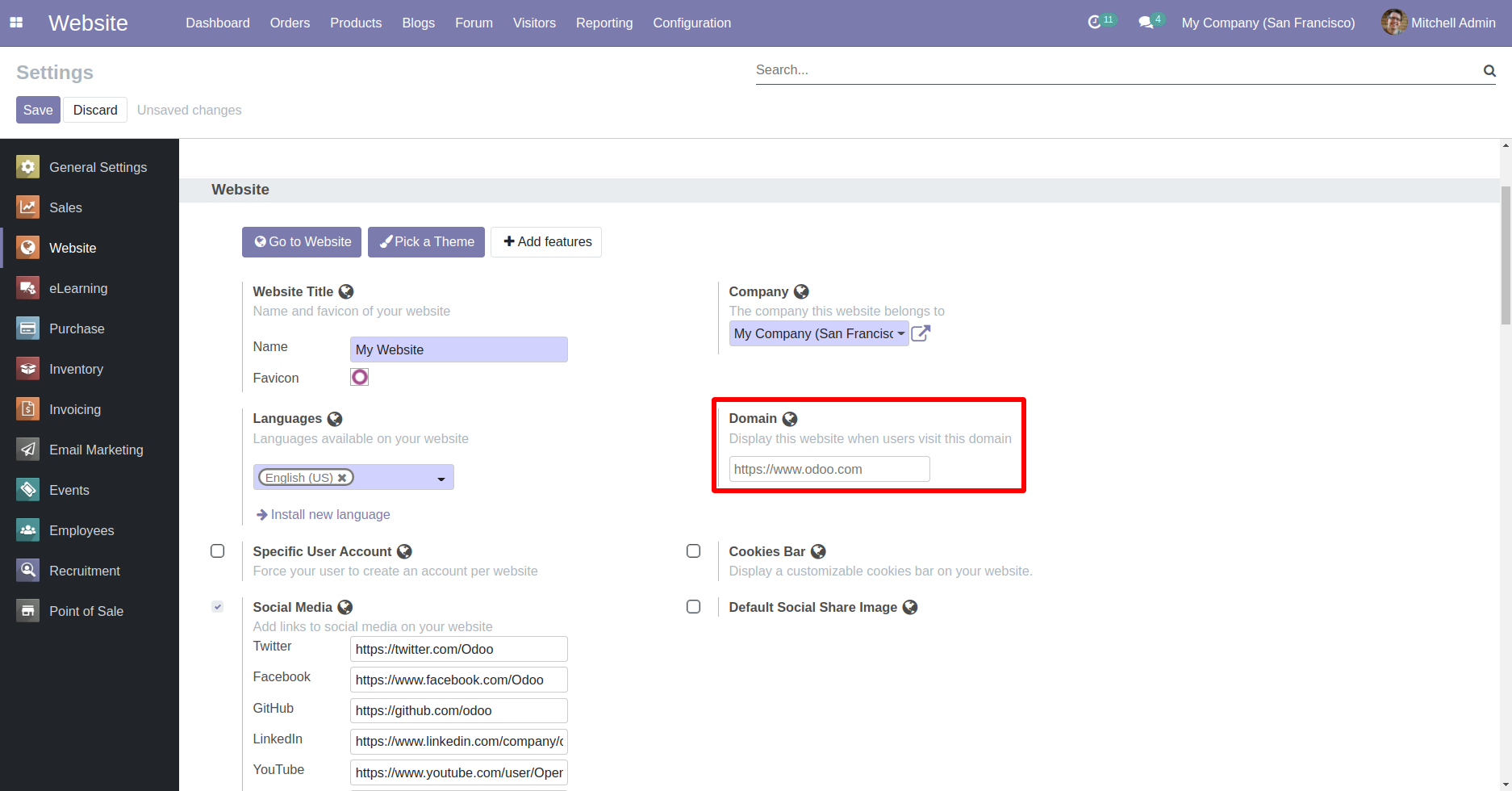
New
Website footer.
Old
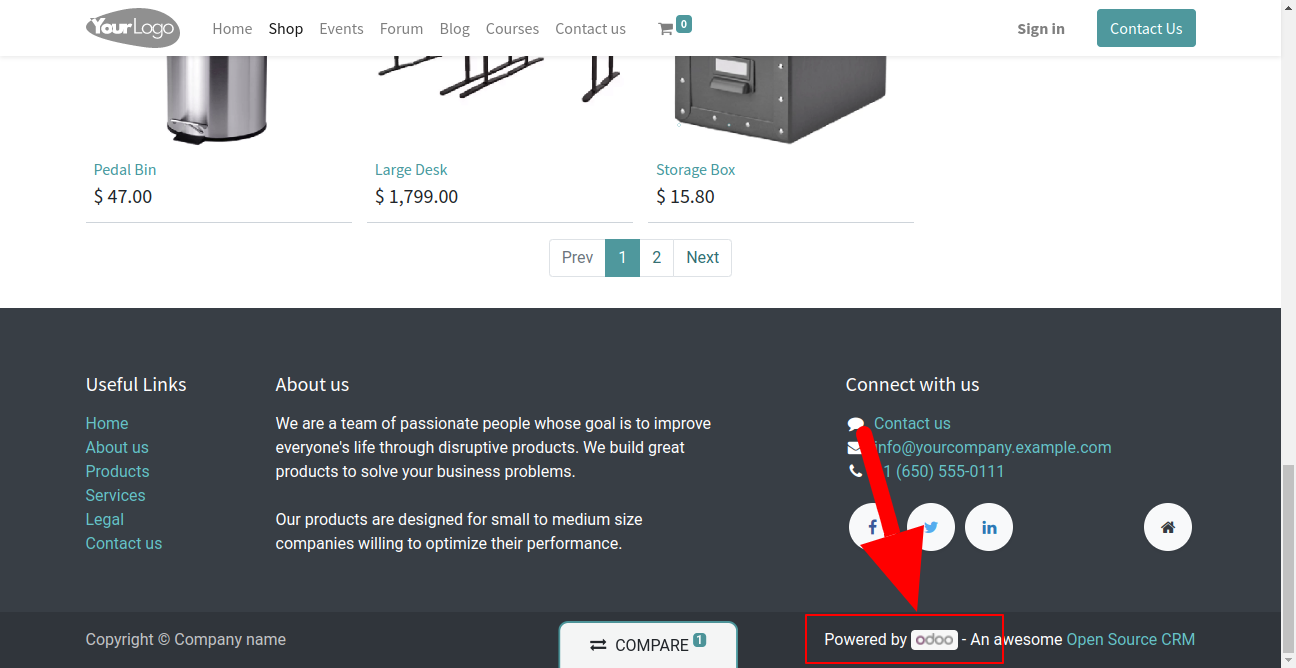
New
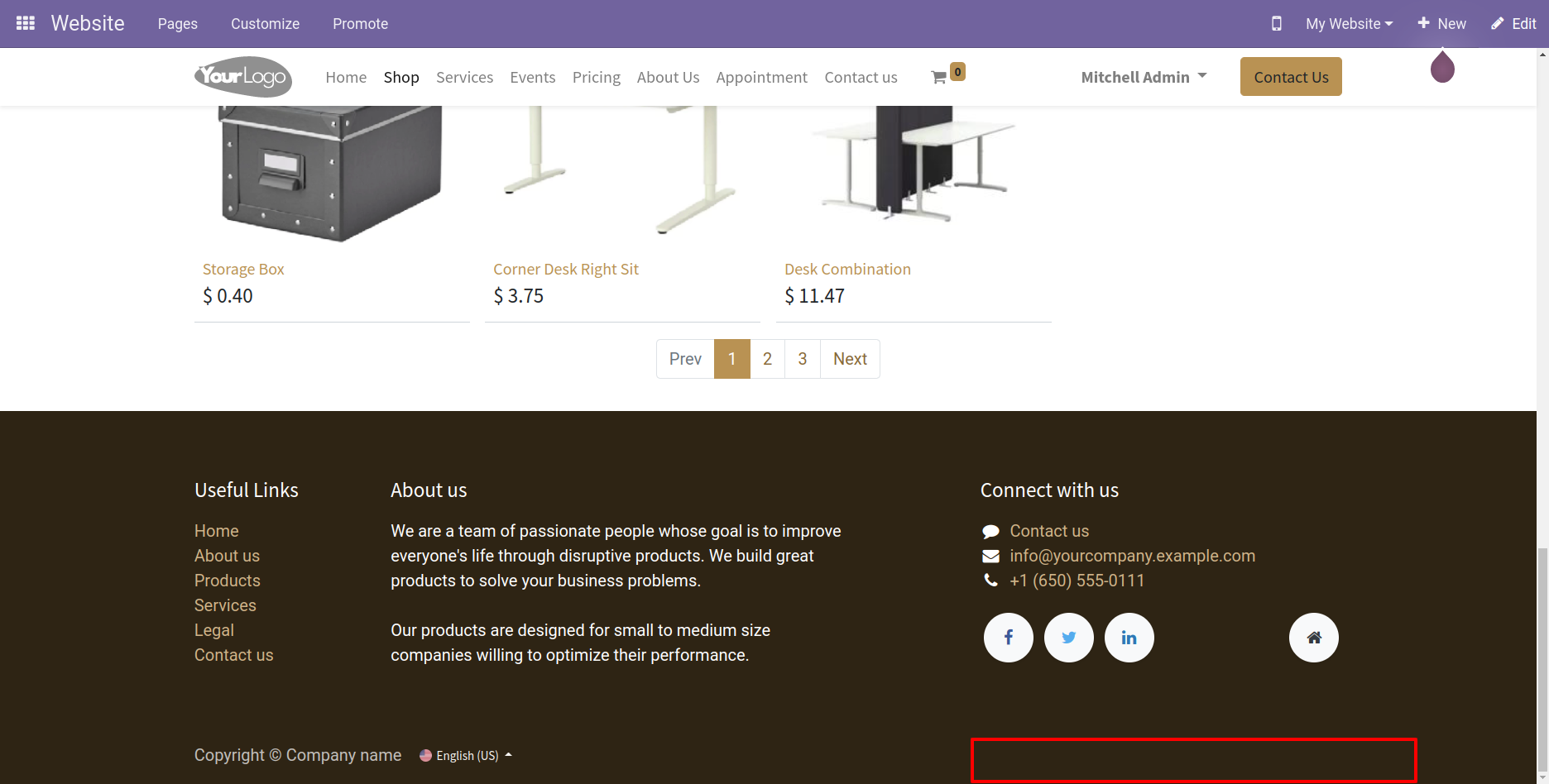
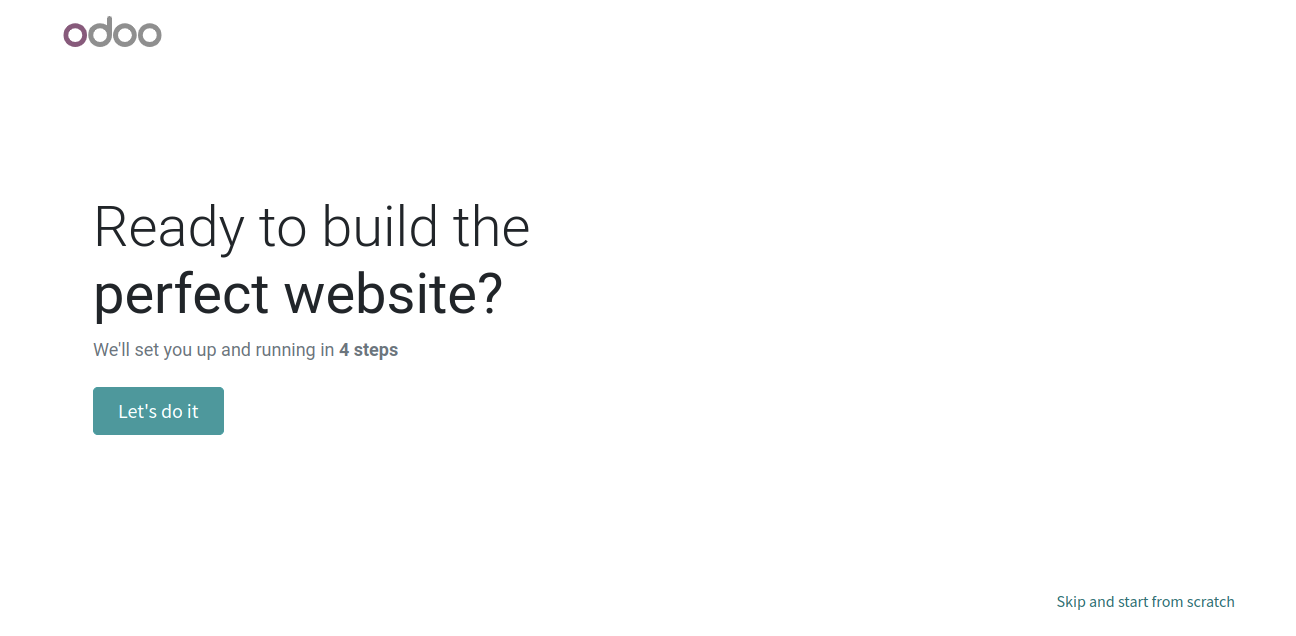
Website Builder Page.
Old
New

Here you have configuration where you can set favicon, icons, logo, company names.
For hide apps menu, just enable the hide apps menu. in user configuration.
Backend
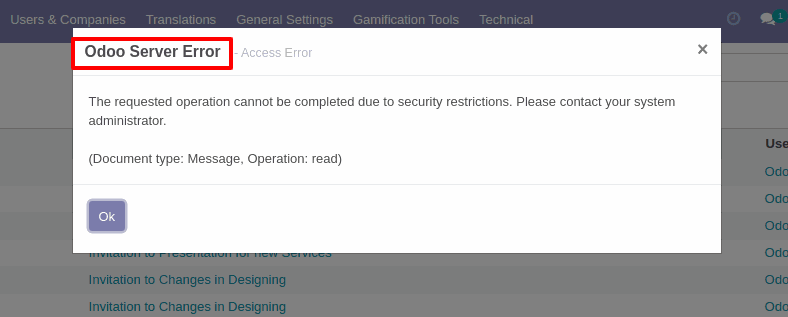
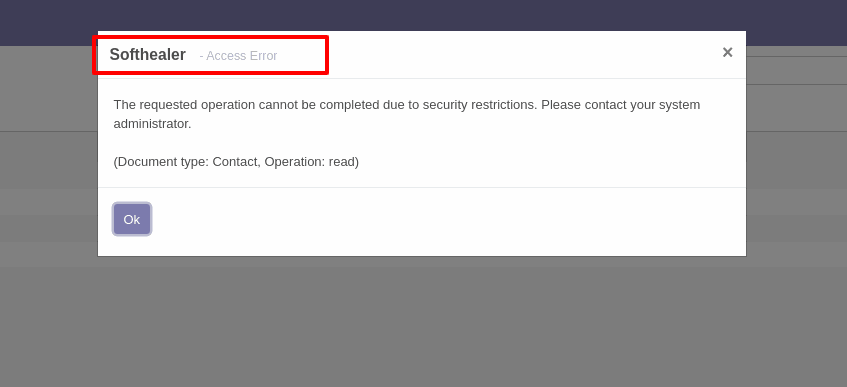
Access Error
Old
New
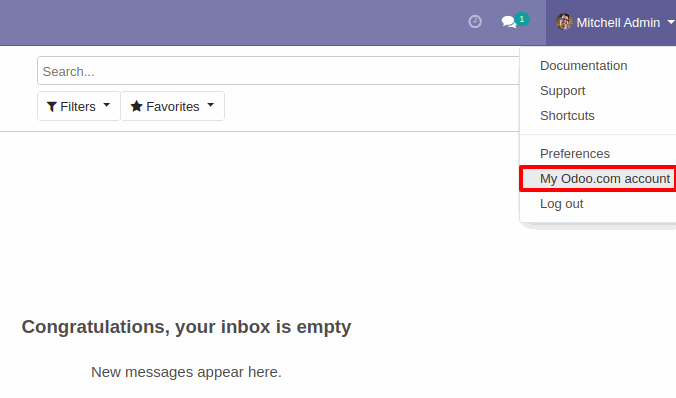
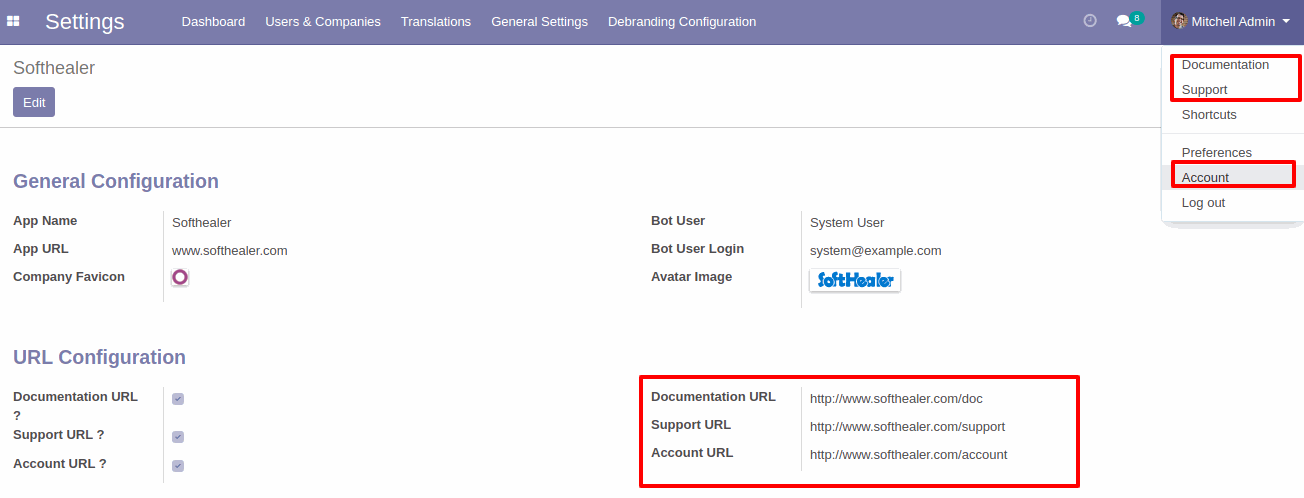
Odoo Accounts, you can set your companies documents and support urls in debranding setting.
Old
New
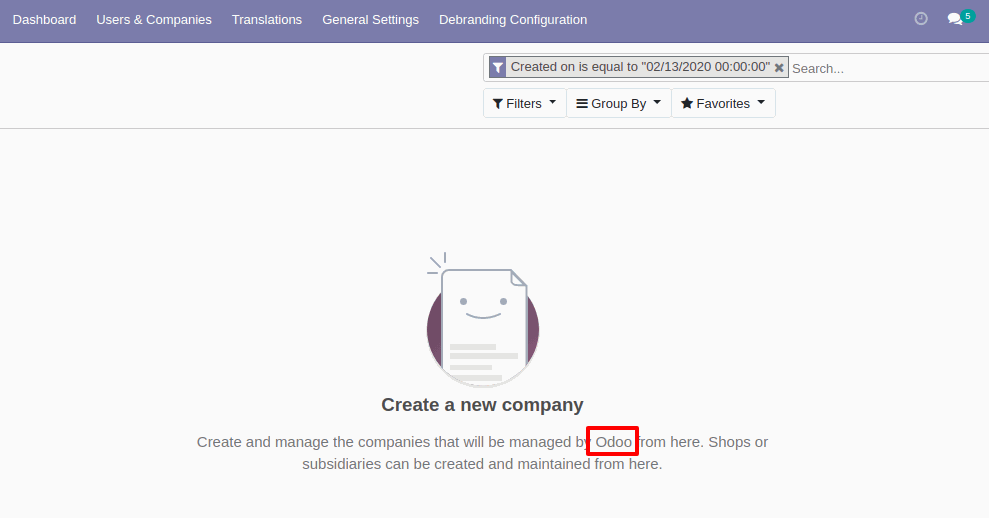
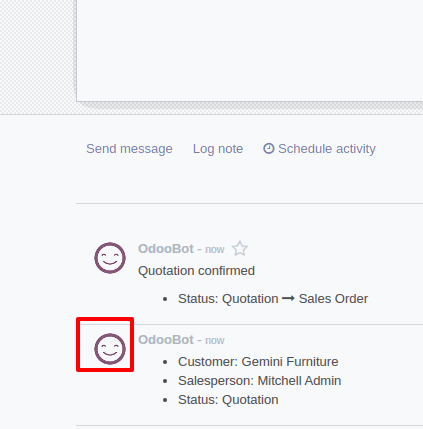
Company mark in demo datas
Old
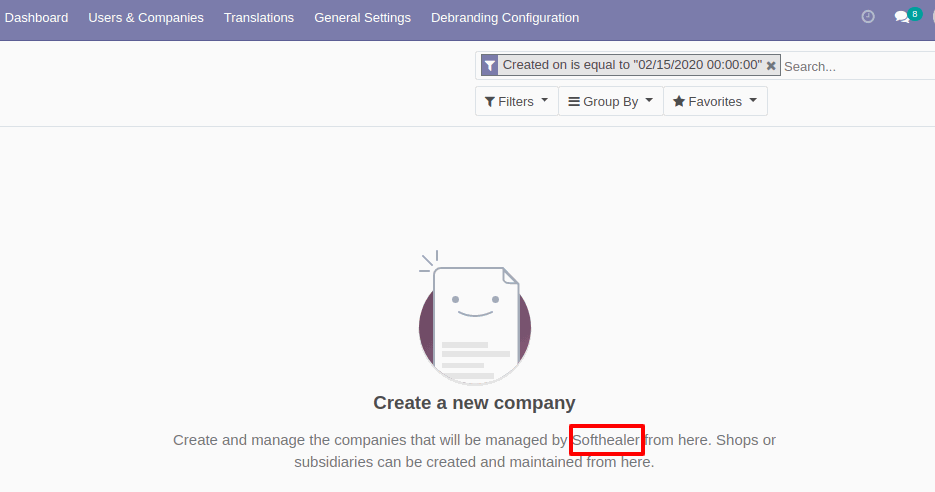
New
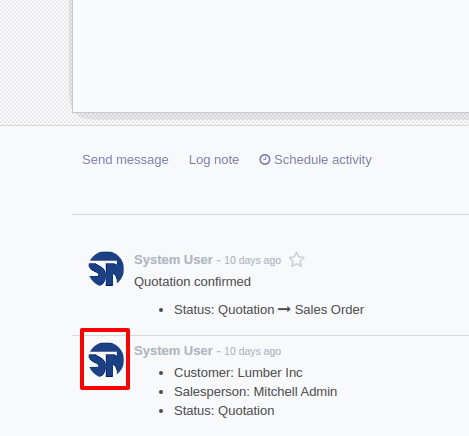
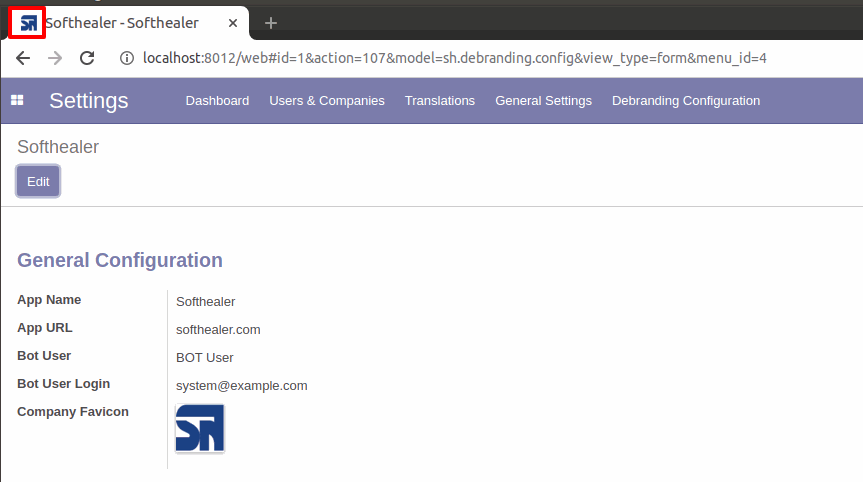
Favicon
Old
New
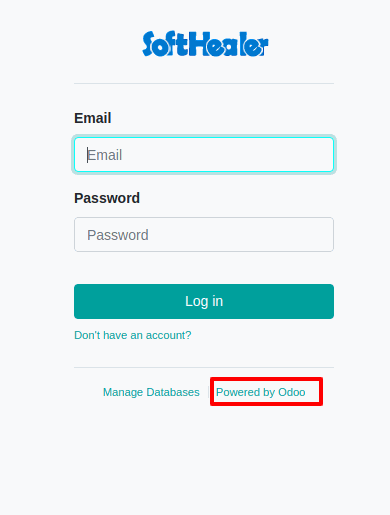
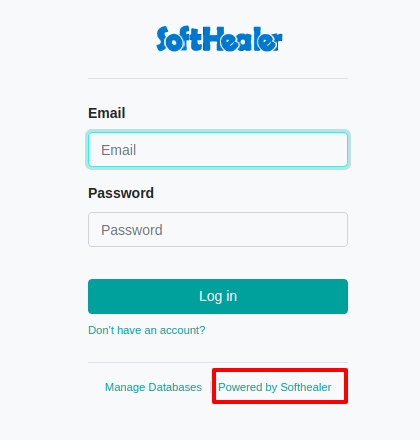
Login page
Old
New
Wizard/Popup
Old
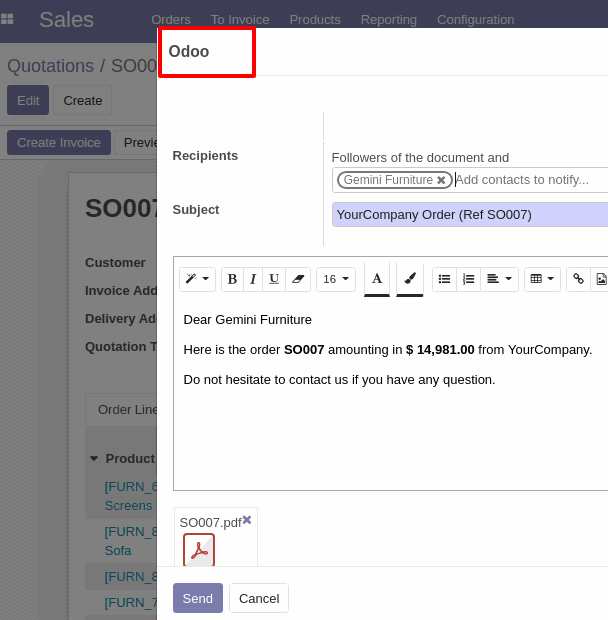
New
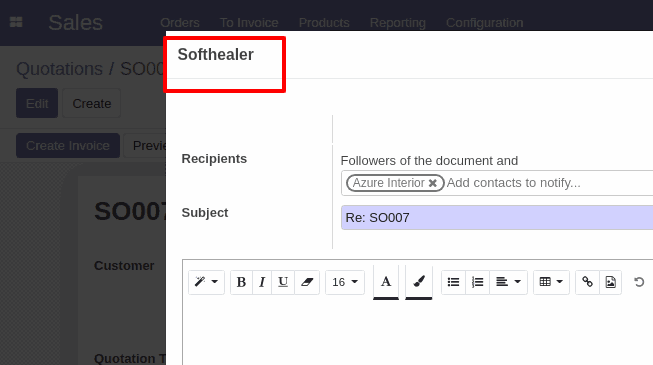
Company favicon
Old
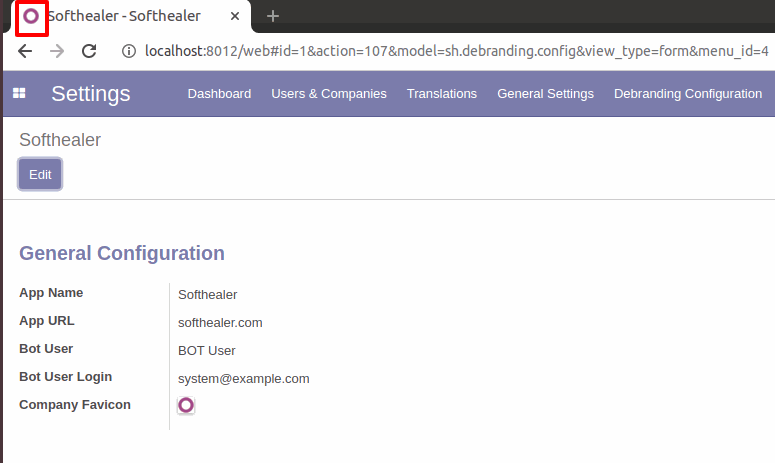
New
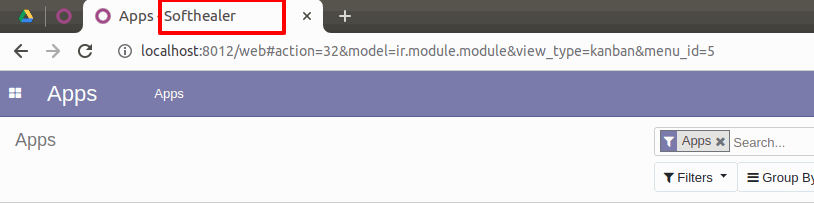
Title Bar
Old
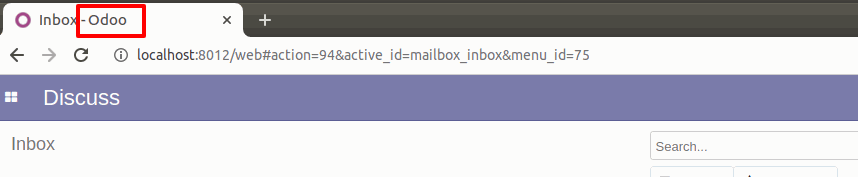
New
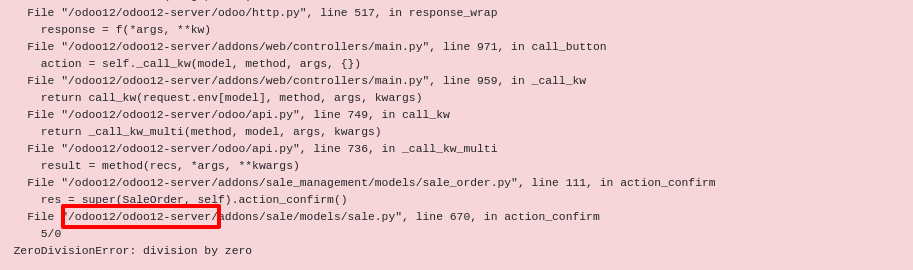
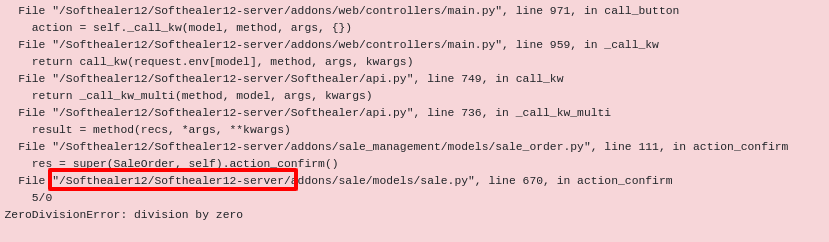
In odoo traceback errors.
Old
New
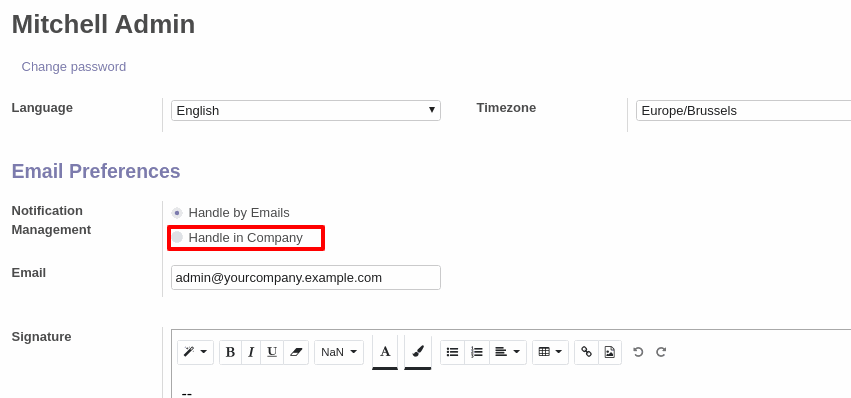
From Fields labels
Old
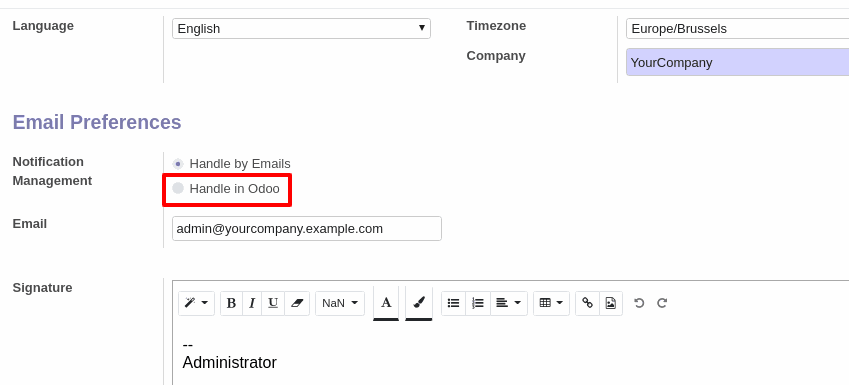
New
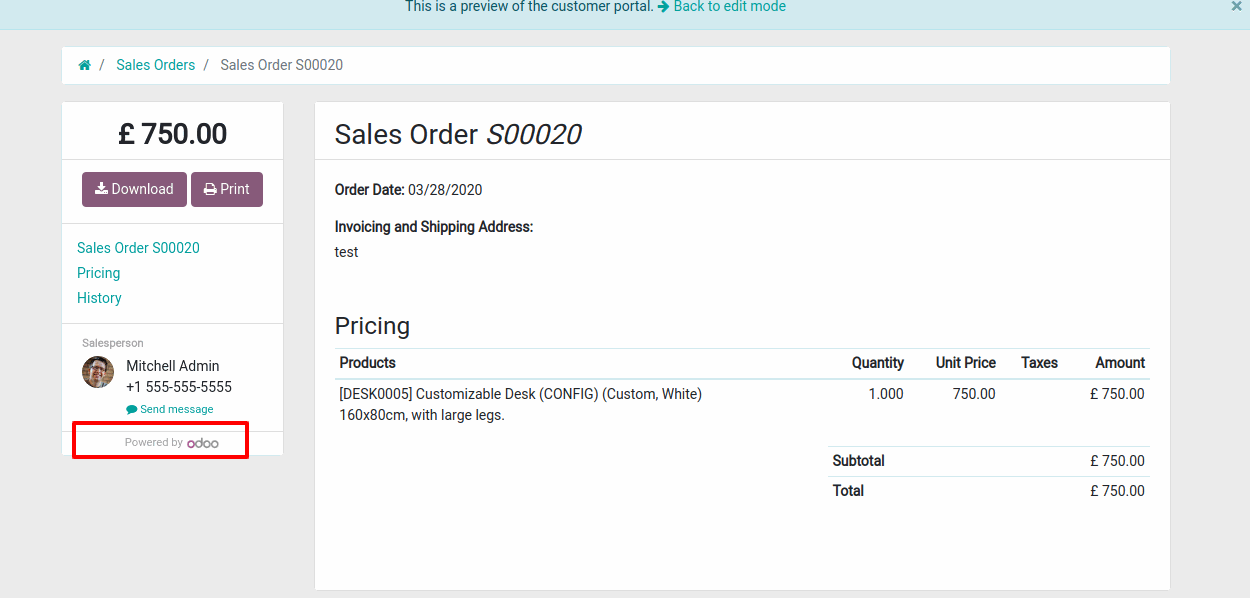
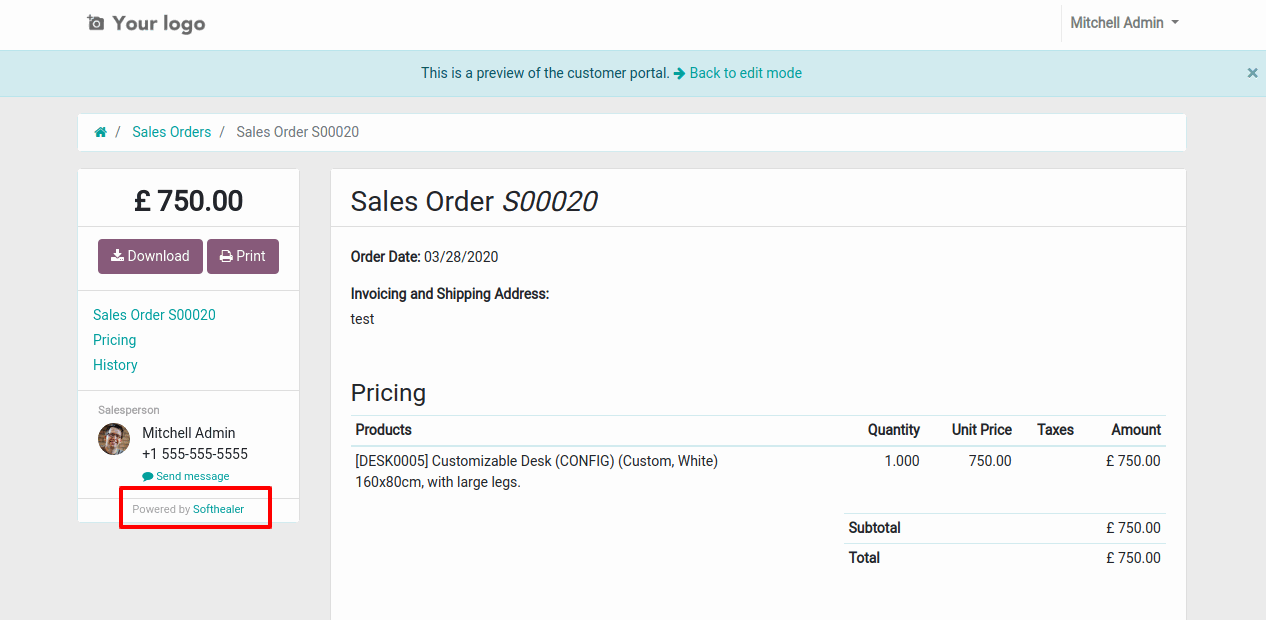
In portal, customer preview.
Old
New
Version 18.0.1 | Released on : 11th December 2024
- No, this app works perfectly with Odoo Community Only.
- No, this application is not compatible with odoo.com(odoo saas).
- Please Contact Us at [email protected]to request customization.
- Yes, we provide free support for 100 days.
- Yes, you will get free update for lifetime.
- No, you don't need to install addition libraries.
- Yes, You have to download module for each version (13,14,15) except in version 12 or lower.
- No, We do not provide any kind of exchange.
Odoo Proprietary License v1.0
This software and associated files (the "Software") may only be used (executed,
modified, executed after modifications) if you have purchased a valid license
from the authors, typically via Odoo Apps, or if you have received a written
agreement from the authors of the Software (see the COPYRIGHT file).

You may develop Odoo modules that use the Software as a library (typically
by depending on it, importing it and using its resources), but without copying
any source code or material from the Software. You may distribute those
modules under the license of your choice, provided that this license is
compatible with the terms of the Odoo Proprietary License (For example:
LGPL, MIT, or proprietary licenses similar to this one).

It is forbidden to publish, distribute, sublicense, or sell copies of the Software
or modified copies of the Software.

The above copyright notice and this permission notice must be included in all
copies or substantial portions of the Software.

THE SOFTWARE IS PROVIDED "AS IS", WITHOUT WARRANTY OF ANY KIND, EXPRESS OR
IMPLIED, INCLUDING BUT NOT LIMITED TO THE WARRANTIES OF MERCHANTABILITY,
FITNESS FOR A PARTICULAR PURPOSE AND NONINFRINGEMENT.
IN NO EVENT SHALL THE AUTHORS OR COPYRIGHT HOLDERS BE LIABLE FOR ANY CLAIM,
DAMAGES OR OTHER LIABILITY, WHETHER IN AN ACTION OF CONTRACT, TORT OR OTHERWISE,
ARISING FROM, OUT OF OR IN CONNECTION WITH THE SOFTWARE OR THE USE OR OTHER
DEALINGS IN THE SOFTWARE.
